A·OS — Personal Operating System · V.1.0
Aurora OS
Personal operating system for Notion. A strict hierarchy of pillars, destinations, and two ways to execute them, no friction and no decoration.
- Format
- Notion Template
- Modules
- 08
- Language
- English
- Delivery
- Instant
01 — The system
One hub, not a collection of loose pages
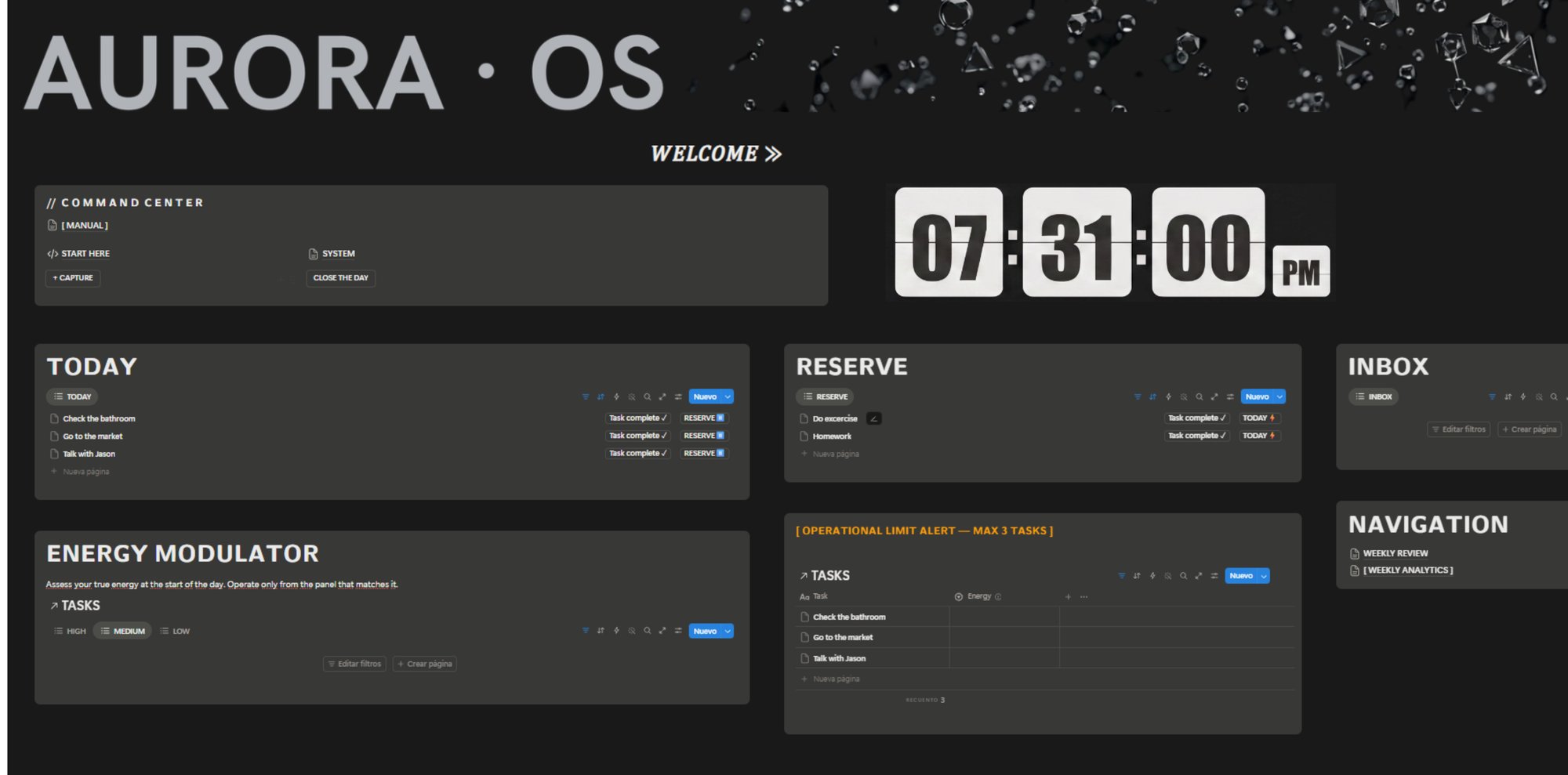
Every element exists for a reason and follows a strict hierarchy. Nothing floats in a vacuum.
02 — Architecture
Architecture
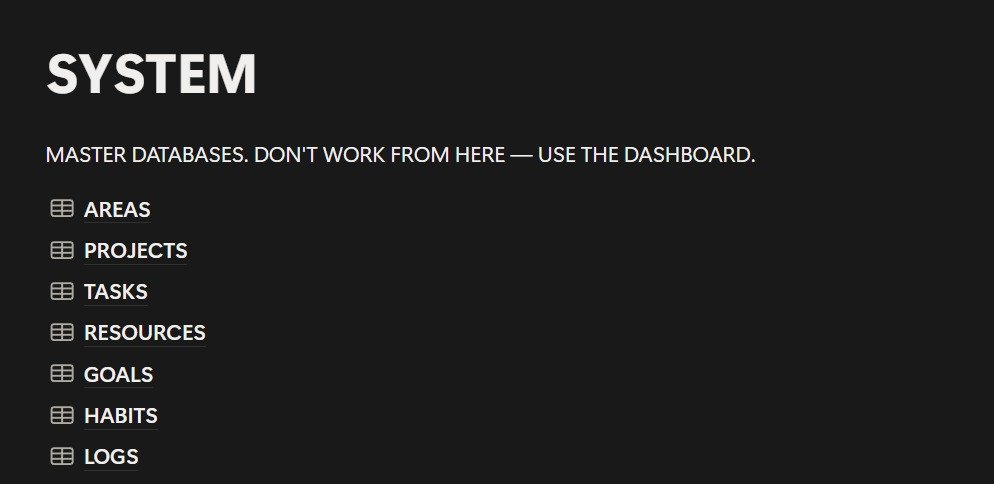
Areas
The pillars
Health, Business, Finance. No expiration date: they hold up the entire structure.
Goals
The destinations
Born from Areas. Tangible destinations, not abstract aspirations.
Projects + Tasks
Finite effort
The project is the strategic container. The task is the building block.
Habits + Logs
Continuous effort
The log is the mathematical evidence that the habit is being kept.
Resources
The knowledge
Feeds both Projects and Areas.
03 — Daily Practice
Daily Practice
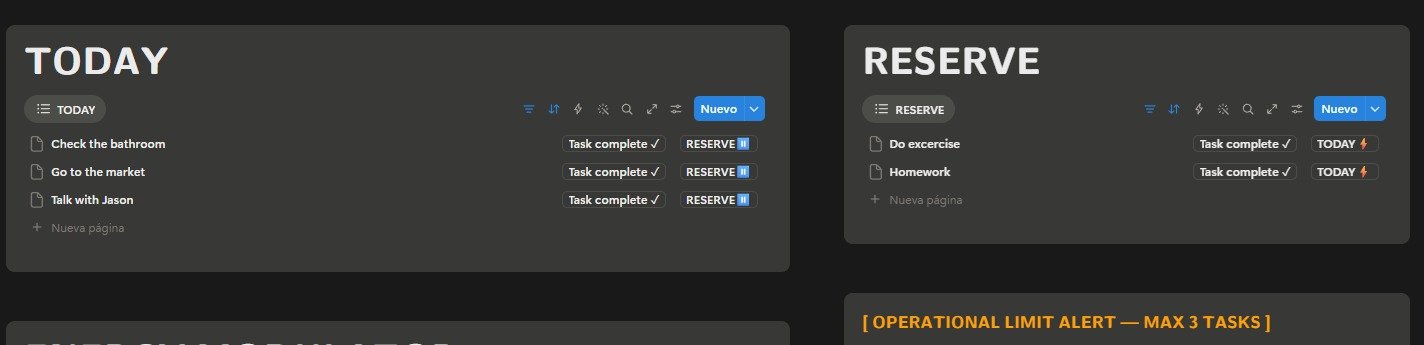
The architecture holds up the system. Daily Practice is the layer used every day.
3
Maximum active tasks in TODAY
01
Capture
02
Process
03
Execute
Tasks are paired by available energy level, not only by urgency.
04 — Specifications
Compatibility & datasheet
- Format
- Notion template, duplication link (.zip with instructions)
- Compatibility
- Notion Free and Notion Plus
- Devices
- Desktop, browser, iOS, Android
- Language
- English
- Updates
- Included for life, no additional cost
- Support
- PDF guide + email support
- Delivery
- Instant download after purchase confirmation
05 — Contents
What's included
01 Areas + −
The pillars of your life that never really "end": health, work, money, whatever you're always holding up. No to-dos here, just the big categories everything else hangs off of.
02 Goals + −
What you want to achieve in each area. They're born from Areas, and they do have an ending: done or not done.
03 Projects + −
When a goal needs more than one step to happen, it becomes a project. It's the folder where those steps live.
04 Tasks + −
What you do today, tomorrow, this week. The small, concrete step that moves a project forward.
05 Habits + −
What you repeat every day or every week, with no "finish line." Exercise, reading, meditating.
06 Logs + −
The proof that a habit is actually happening. Every time you do it, you check it here, so you see your real consistency, not the one you think you have.
07 Resources + −
Everything you save to look at later: notes, links, loose ideas. The material that feeds your projects and your areas.
08 Installation guide + −
A step-by-step PDF to get everything running in your Notion in under 10 minutes, even if you've never touched a database before.
06 — Purchase
One file. One structure. No friction.
07 — Stores
Choose your store
The same system, available on three platforms. Buy wherever you prefer.